Good fit for simple graphics
Simple icons, flat illustrations, line art, and high-contrast shapes are better candidates than complex photos.
Create an SVG output from a WebP image in your browser. Useful for compatibility and graphic workflows, with no signup and no server upload.
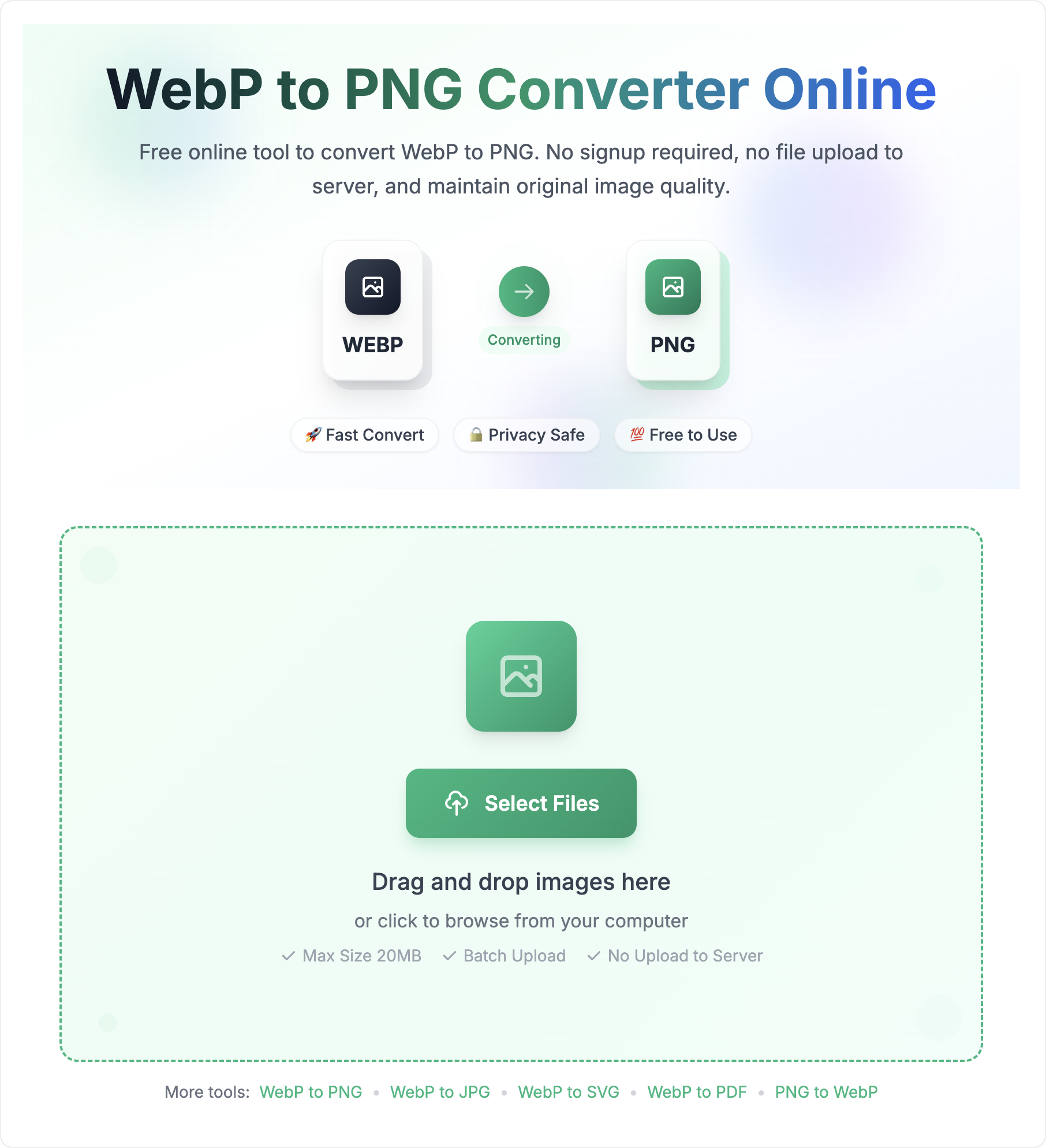
Drag and drop images here
or click to browse from your computer
SVG is not a magic recovery format. The source image type determines how useful the output will be.
Simple icons, flat illustrations, line art, and high-contrast shapes are better candidates than complex photos.
If your WebP was exported from Figma, Illustrator, or another design tool, converting it back to SVG will not restore layers, text objects, or original paths.
Photographic WebP files usually belong in raster formats. SVG output can become large or visually rough for detailed images.
SVG support varies by CMS, email tool, editor, and upload form. Test the output where it will actually be used.
These limits keep conversion practical for browser-side processing.
| Input format | WebP image files. |
|---|---|
| Output format | SVG files. |
| Batch limit | Up to 50 files per conversion batch. |
| File size limit | Up to 10MB per WebP file. |
| Privacy model | Conversion happens in the browser without uploading files to a server. |
| Important limit | Raster-to-SVG output does not restore original editable vector source data. |
Convert WebP to SVG with practical output expectations. The result can help with SVG-compatible workflows, but it will not recreate the original design source file.
Best results come from simple, high-contrast graphics. Complex photos usually remain better as WebP, JPG, or PNG.
Create an SVG file from a WebP image when your destination requires SVG input or browser-readable XML graphics.
Use SVG carefully for raster-origin images: file size and editability depend on the image complexity and conversion method.
Follow these simple steps to convert your WebP images to SVG format. Our tool makes the conversion process quick and easy.
Understanding the format boundary prevents bad expectations and poor output choices.
A WebP file stores pixels. It is excellent for compressed web images, photos, screenshots, and transparent graphics.
An SVG file stores XML-based shapes or embedded image data. It works best when the image began as simple vector-like artwork.
Everything you need to know about converting WebP to SVG
Converting WebP to SVG is simple: 1) Upload your WebP file(s), 2) Select SVG as output format, 3) Click Convert, and 4) Download your SVG files. No registration required.
SVG is XML-based and can scale well when the artwork is made from simple shapes or paths. For raster-origin WebP images, the output quality depends on the source complexity and conversion method.
Yes, our tool supports batch conversion. Upload multiple WebP files and convert them to SVG format simultaneously. The converted files will be downloaded as a ZIP archive.
Yes, you can convert WebP files up to 10MB in size. For batch conversion, you can process up to 50 files at once.
Convert WebP to SVG when a workflow or upload form requires SVG, or when a simple graphic can benefit from SVG compatibility. Keep WebP, PNG, or JPG for detailed photos and pixel-heavy images.
No. A WebP file is a raster image, so converting it to SVG does not restore original vector layers, fonts, or design paths. Use the SVG output for compatibility when acceptable, but use the original design file for true editable vectors.
Avoid WebP to SVG for detailed photos, screenshots, and large pixel-heavy images. PNG, JPG, or WebP will usually produce smaller and more predictable results for those sources.